 MOMDYN
Mobile Multibody Dynamics
Derive the equations of motion. Watch the mechanism move.
Model a mechanism on your iPhone or iPad, derive its equations of motion, then simulate and animate it in 3D. The math stays visible, and you can export Python to run bigger studies on your desktop.
The first multibody dynamics app for iOS, on the App Store since 2019.
For iPhone and iPad, iOS 18 or later.
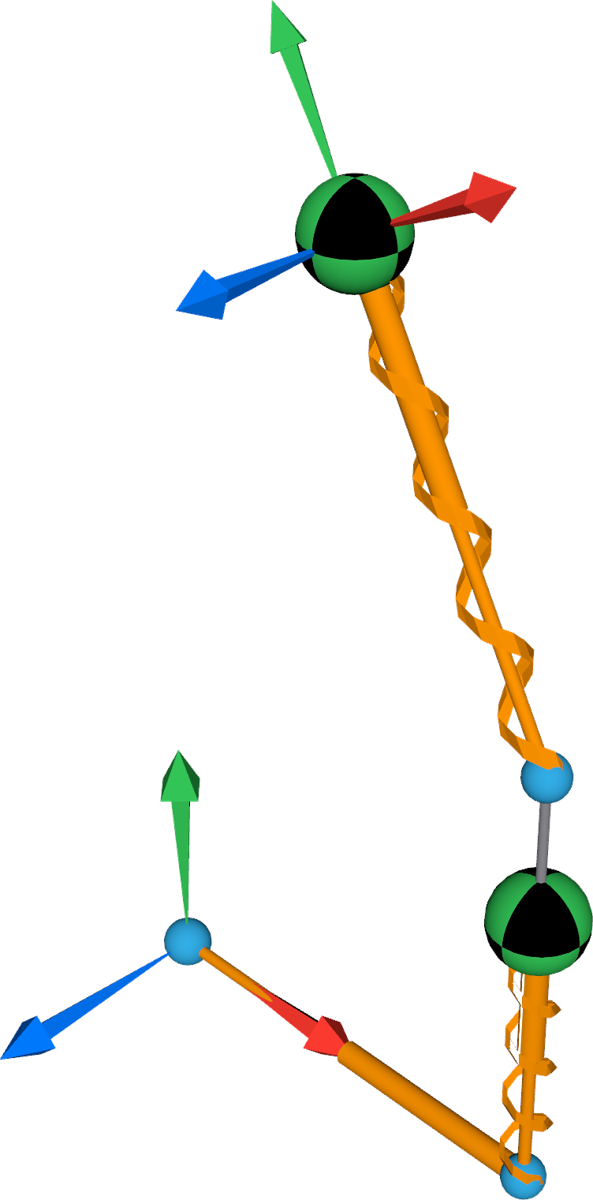
From model to motion in one app
The whole workflow lives on your phone or tablet: build the model, get its equations, run it, and read the math behind it.
-
Build a mechanism
Start from the built-in examples or define your own: symbols, reference frames, vectors and points, or ready-made joints. Add bodies, loads such as forces, moments and springs, and sensors.
-
Derive the equations of motion
One tap derives the equations of motion, runs the simulation and starts the animation. See exactly how the equations were assembled.
-
Watch it move in 3D
Orbit the diagram with one finger, pan with two, pinch to zoom, and scrub the timeline to any moment. Plot the simulated states over time.
-
Read the math, export Python
A report shows the symbols, kinematics, loads and equations behind your model. For heavier work, such as a Monte Carlo study, export Python source code that reproduces the model and run it on your desktop.
Who it is for
People who want to see the dynamics, not just the animation, without the cost of desktop software.
- StudentsLearning dynamics, multibody dynamics, robotics or mechanisms.
- EducatorsLooking for a live demo tool that shows the equations as well as the motion.
- Practicing engineersWho want a quick model check away from the desktop.
Docs and tutorials
Step-by-step guides live on the documentation site, including walkthroughs for a pendulum and an oscillator.