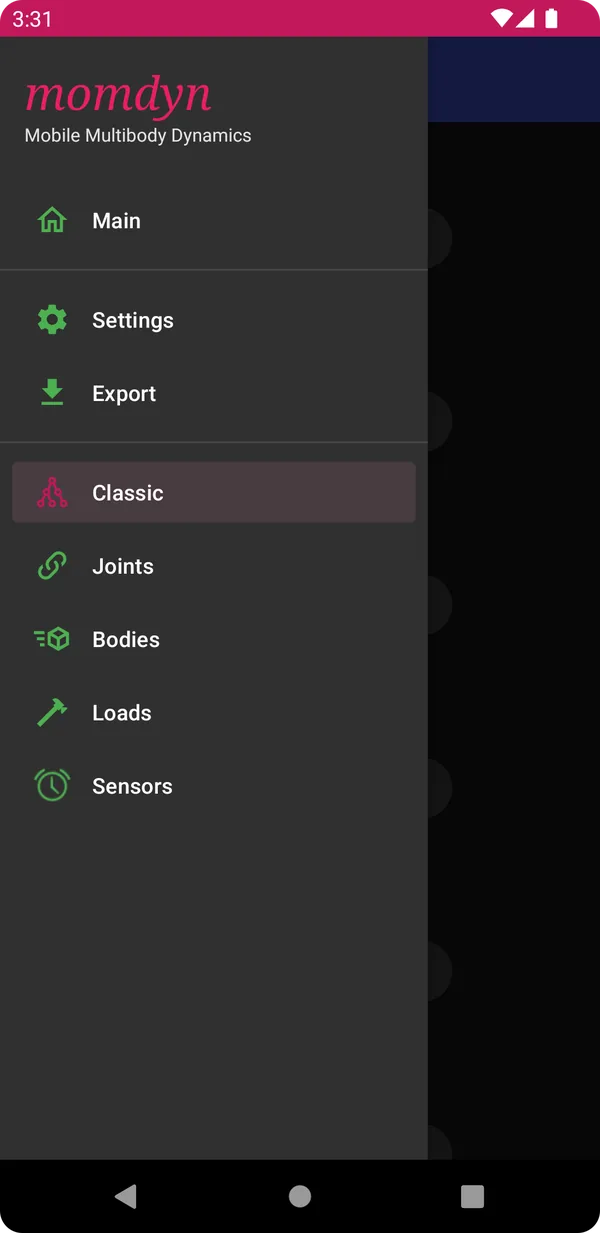
Menu Dialog
The menu drawer is accessed by tapping the menu button in the upper left of the diagram view (or by dragging in from the left edge of the screen), and is a gateway to updating settings, saving and import/export, and adding/editing/deleting model components. Links to the various sections are below.